
A consistent theme of this blog is that I love collecting data. From setting up my own logging stack using Elastic at home to my almost 30-year-old Quicken guredle, I have always felt that if it isn’t logged and analyzed somewhere, it didn’t happen. I’m also a lover of weather and meteorology. Rain, temperature, humidity…these are just more data points to collect and analyze. I’ve been collecting environmental data inside my house for a while now, but the outside was as yet uncollected. The wild frontier. Until now.
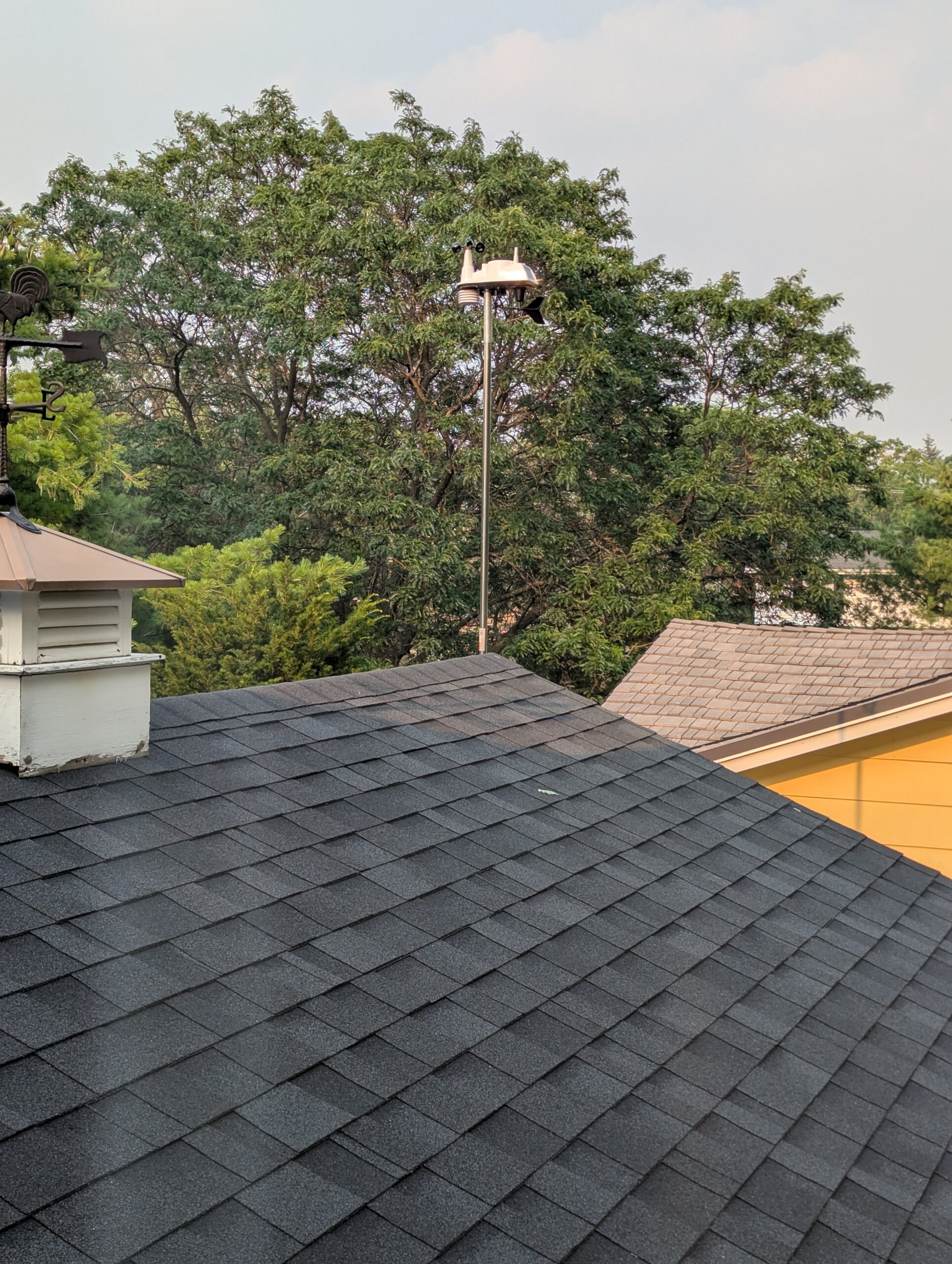
I’ve long desired a personal weather station, but there just wasn’t enough space at our old house to make it worthwhile: too many trees and obstructions would make for low accuracy. Our new house has more space for a station and fewer obstructions, and so recently I purchase a Davis Vantage Vue sensor and the WeatherLink Live connector to collect the data. After a bit of work outside on the ladder and roof, the sensor was all ready to go:
The WeatherLink Live device allowed me to send data to weatherlink.com, which was a pretty good start in terms of getting the data I wanted. However, as I’ve learned in the past, letting a website keep all my data is risky. I lost all my workout history when a site went under, and I don’t want to go through that again. Plus, I have Home Assistant and Elastic already up and running for data, so why not pull all that data into those tools so it can live beside the other data I was already getting? So my next step was to do just that.
Polling for data
Step one was figuring out where I could grab the data from, and fortunately that was very straightforward: the WLL device has a simple API that returns current weather conditions. Huzzah! That problem quickly solved, the next step was to get the data into HA and Elastic.
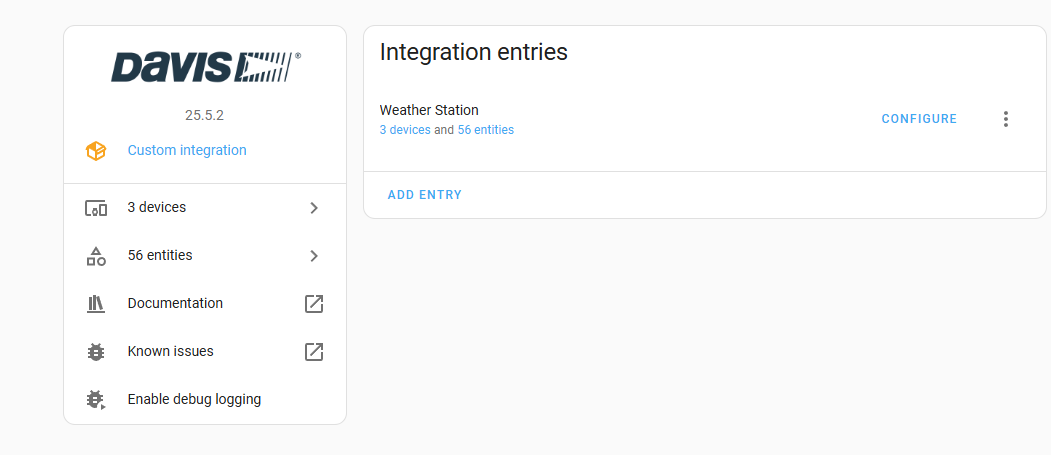
I did some searching first to find an answer for Home Assistant, and very fortunately for me, this problem has already been solved by somebody. There is a custom integration for Home Assistant that makes setup a snap. After a clone and copying the files to the right place, I had a custom device in Home Assistant:
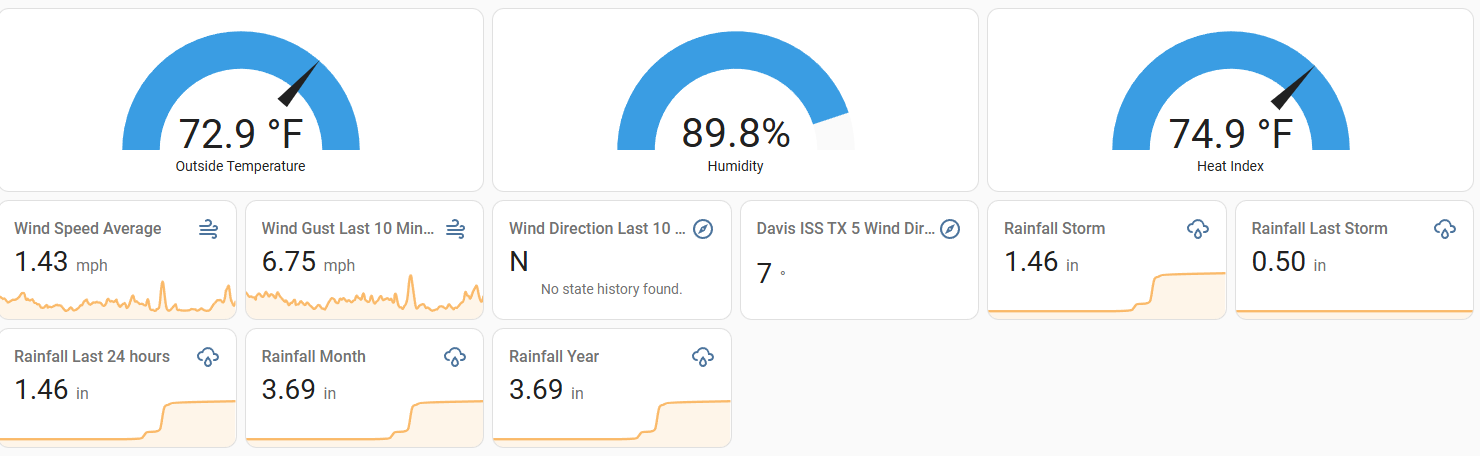
A few more minutes fiddling with dashboards, and I had everything in one place in all its glory!
With Home Assistant quickly solved, it was time to move onto Elastic. Given the pattern that I used before to get sensor data into Elastic, I figured I’d need to poll for data from somewhere and send to Logstash. Since WLL has the afore-mentioned API, I don’t need any intermediary, and so I wrote a short Python script to pull directly data from WLL and send to Logstash. Even better, to pay it forward I put it online in a repo I created just for this purpose. As a bonus, I put the previous script for scraping data from Home Assistant I blogged about in there as well.
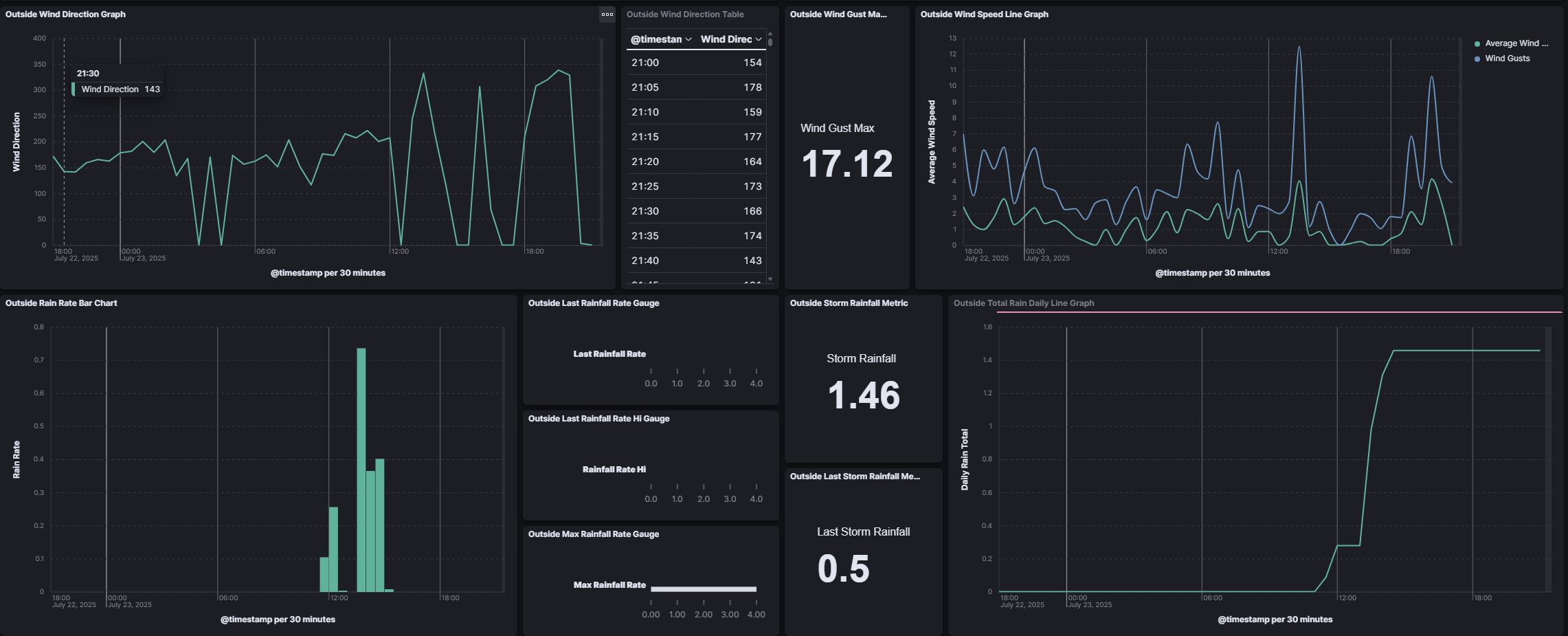
A short bit of configuring Logstash later, and a longer bit of creating dashboards, and I have all the data I could ever want:
The only thing that’s really missing here is that I am not yet automating anything with all this data. I’ll have to think of some way to do that for my next project. Until then, I’ll be enjoying the sight of even more data in my collection.